Getting Started
If you’re looking to make your own shell, you can use the OnShape shell starter. openThrow uses onShape since public data is free and it is very beginner friendly.
Creating a Shell
Section titled “Creating a Shell”NOTE: Before you begin, you should create an OnShape account
- Open the openThrow onShape, and head to the
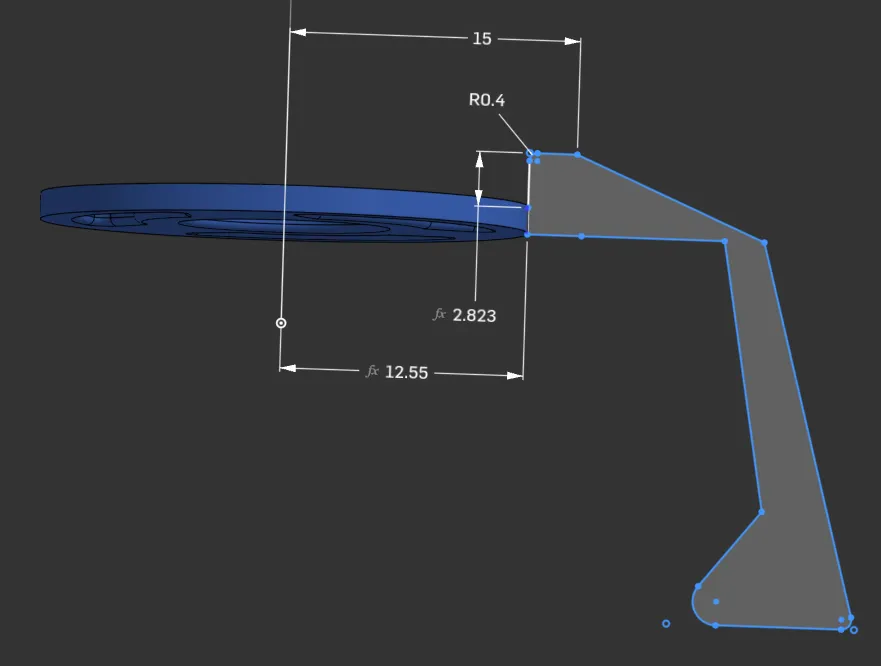
Shell startertab. - Double-Click on the feature on the left marked
profile - Edit as desired. The necessary dimensions are already set, the rest is up to the designer.